





















Web Application Development: When Websites Fall Short
Introduction
A website tells people about your business. A web application lets them do something inside it — log in, manage an account, submit data, get a personalised result, complete a transaction that isn't just "buy this one product." The line between the two used to be blurry enough to ignore. It isn't anymore, and businesses that keep trying to force application-level functionality onto a website built for neither purpose end up with something slow, awkward to maintain, and increasingly expensive to extend.
This is one of the more common misclassifications we see in early client conversations: a business asks for "a few more features" on their website, when what they're actually describing — user accounts, a dashboard, ongoing data interaction — is a web application, and building it as a website with features bolted on is exactly how projects end up needing an expensive rebuild eighteen months later.
The Actual Difference (Not the Marketing Definition)
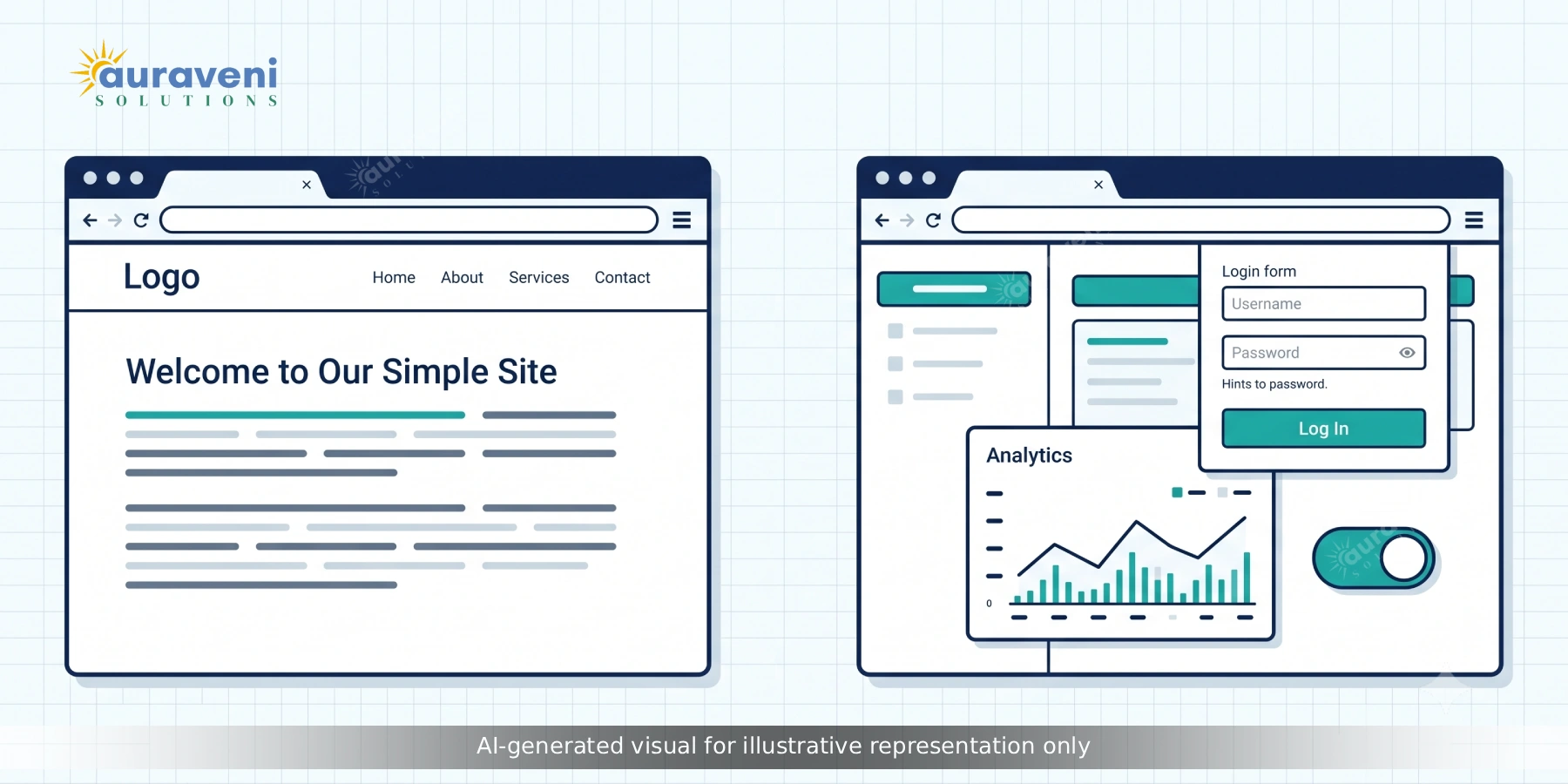
A website is fundamentally about presenting content. Pages are largely the same for every visitor, content updates happen relatively infrequently, and the primary interaction is reading, browsing, and maybe filling out a contact form. Marketing sites, portfolio sites, most small business sites, and content-heavy blogs all fall into this category, and there's nothing wrong with that — it's exactly the right tool for that job.
A web application is fundamentally about functionality. Content is often personalised per user, data changes constantly based on user interaction, and the primary purpose is letting someone accomplish a task — managing an account, tracking an order, collaborating on a document, running a calculation, viewing a personalised dashboard. Project management tools, booking systems, customer portals, internal admin dashboards, and SaaS products are all web applications, regardless of how simple or complex they look on the surface.
The distinction isn't about visual complexity. A simple-looking customer portal with a login and three data fields is a web application. A visually elaborate, animation-heavy marketing page with no login and no persistent user data is still, technically, a website. What determines the category is whether the system needs to remember who's using it and let them do something with persistent, changing data.
Signs You've Outgrown a Website
A few patterns consistently show up when a business has quietly crossed from "we need a website update" into "we actually need a web application," even if nobody's framed it that way yet.
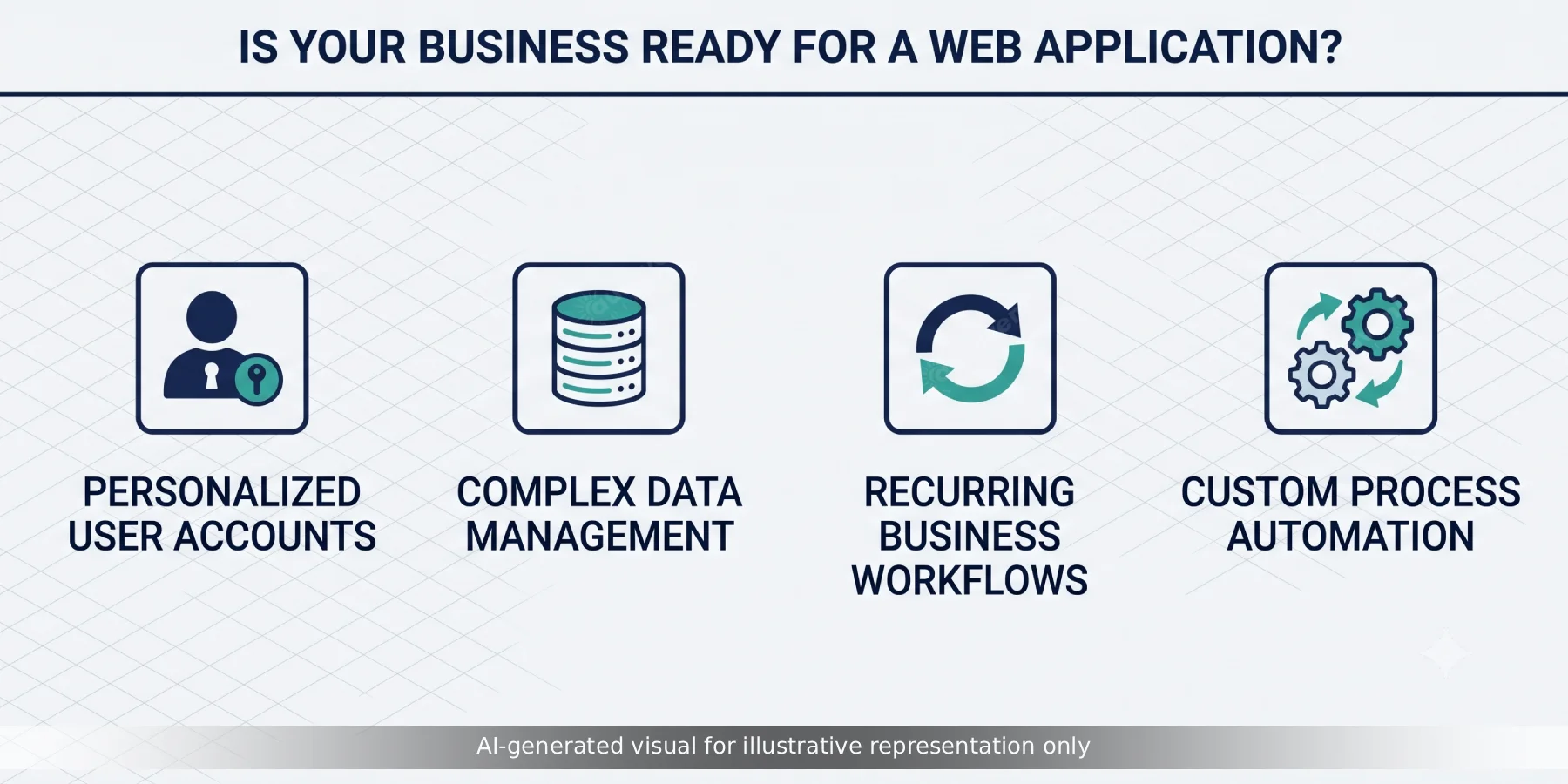
- You're asking for user accounts or logins. The moment different visitors need to see different things — their own orders, their own saved preferences, their own dashboard — you've left website territory, because that requires authentication, session management, and per-user data storage that a standard website architecture wasn't built to handle cleanly.
- You need real-time or frequently updated data. A live inventory count, a booking calendar that updates as slots fill, a dashboard showing current metrics — anything that needs to reflect current state rather than static content published ahead of time points toward application architecture.
- Customers or staff need to input data, not just consume it. Forms that go beyond simple contact requests — applications, multi-step submissions, anything that needs to be validated, stored, and acted upon — are application-level functionality even if they appear on what started as a simple website.
- You're duct-taping together multiple third-party tools to simulate a workflow. If your team is manually copying data between a form tool, a spreadsheet, and an email system to make something function like an application, that manual glue work is usually a strong sign the underlying process deserves to be a proper web application instead.
- Page load performance is degrading as you add features. Websites optimised for content delivery start to strain under the weight of interactive, stateful features they weren't architected for, which shows up as slowing performance long before anything actually breaks.
What Web Applications Are Actually Built to Do
At a technical level, a web application typically involves a clear separation between the frontend (what the user sees and interacts with, commonly built in React, Vue, or Angular) and a backend (the business logic and data layer, commonly built in Node.js, Laravel, or a similar framework), communicating through an API. This separation is what allows a web application to feel responsive and interactive — updating parts of the screen without a full page reload — in a way that traditional website architecture generally can't replicate well.
The backend typically handles authentication and session management, business logic specific to the application's purpose, and persistent data storage in a proper database rather than static content files. This is also where most of a web application's real engineering complexity lives — not in how it looks, but in how reliably it manages state, handles concurrent users, and keeps data consistent as multiple people interact with the same system simultaneously.
Progressive Web Apps: The Middle Ground Worth Knowing About
One category worth understanding specifically: progressive web apps (PWAs) — web applications built to behave like native mobile apps, including offline functionality, push notifications, and home-screen installation, without requiring a separate native app build or app store submission process.
PWAs are a genuinely good fit for businesses that want app-like functionality and engagement without the cost and maintenance overhead of building and maintaining separate iOS and Android native applications. They're not the right fit for every use case — deep hardware integration or the absolute peak performance a fully native app can deliver still favour native development — but for a large share of business use cases (customer portals, booking tools, internal staff apps), a well-built PWA delivers most of the practical benefit at meaningfully lower cost and complexity.
The Technology Choices That Matter Most
For most business web applications in 2026, React or Vue on the frontend paired with Node.js or Laravel on the backend remains a sound, well-supported default — not because it's the only option, but because it has the deepest talent pool, the most mature tooling, and the lowest long-term maintenance risk. Next.js specifically earns consideration when parts of the application also need strong SEO performance (a customer-facing booking page, for instance, alongside a logged-in dashboard), since it supports server-side rendering that a purely client-side application doesn't get by default.
Database choice should follow the actual data shape rather than default habit: PostgreSQL or MySQL for most transactional, relationship-heavy business data; MongoDB where the data genuinely varies in structure between records in a way a rigid relational schema fights against. Cloud infrastructure — typically AWS, though Azure and Google Cloud are equally valid depending on existing organisational relationships — should be chosen based on the same right-sizing principles we cover in our companion piece on AWS cloud architecture for startups.
What Web Application Development Actually Costs to Get Right
Cost varies enormously with scope, but the biggest cost driver isn't usually the frontend visual design — it's the complexity of the underlying business logic and data relationships. A straightforward customer portal with basic account management and a handful of data views is a meaningfully smaller build than a multi-role system with complex permissions, real-time collaboration features, or heavy third-party integrations.
The mistake that inflates cost most reliably is treating the application's data model as an afterthought to be figured out during development, rather than a deliberate design decision made before development starts. Retrofitting a data model that wasn't designed for how the application actually needs to use it is one of the most expensive categories of rework in web application projects, almost always more expensive than the additional planning time would have cost upfront.
Planning for Life After Launch
A website, once published, mostly just sits there needing occasional content updates. A web application is a living system with real users, real data, and real dependencies on third-party services — which means the planning conversation has to extend past launch day in a way website projects generally don't require.
Monitoring and error tracking need to be built in from the start, not added after the first production incident, because a web application failing silently for a subset of users is a genuinely common failure mode that's very hard to diagnose retroactively without logging that was designed in from day one. Database backup and recovery planning matters in a way it simply doesn't for a static website, since a web application's entire value often lives in its data, not its presentation layer. And a realistic plan for scaling — even if the honest answer at launch is "we'll revisit this once we have real usage data" — should exist before launch rather than being discovered under pressure during a usage spike.
None of this needs to be elaborate for a first version. It needs to exist, deliberately, rather than being assumed away because the initial build looked simple enough not to need it.
Common Mistakes When Businesses Make This Jump
A few patterns we see repeatedly when a business moves from a website to a proper web application for the first time: underestimating the ongoing maintenance commitment, since a web application with real user data and business logic needs monitoring, security patching, and support in a way a largely static website doesn't. Skipping proper authentication and access control planning until late in the build, which is expensive to retrofit correctly. And building the entire feature set at once rather than launching a focused core workflow first and expanding based on real usage — a pattern that consistently leads to over-built, under-validated first versions.
How Auraveni Approaches Web Application Development
We start by confirming a project actually needs application-level architecture before we scope it that way — plenty of businesses that come to us describing a "web app" genuinely need a well-built website with a couple of specific interactive features, and building the simpler thing correctly serves them far better than over-engineering a full application architecture they don't yet need. When a genuine web application is the right call, we design the data model and authentication architecture before touching frontend design, because that's the layer that's expensive to get wrong and cheap to get right early.
If your project involves more complex commerce or multi-party functionality specifically, our guide on multi-vendor marketplace development covers a category of web application with its own particular architectural demands worth understanding before you scope it.
Conclusion
The decision between a website and a web application isn't about which sounds more impressive — it's about what your business actually needs people to be able to do. A website that's been stretched well past its natural purpose to accommodate logins, dashboards, and persistent data ends up slow, fragile, and expensive to extend, regardless of how good the original design was. If your team keeps describing "just one more feature" that involves user accounts, ongoing data, or workflow automation, that's usually the clearest signal you've already crossed into web application territory, whether or not anyone's said so out loud yet.
We're glad to help you figure out honestly which side of that line your project actually sits on before any development work begins.
FAQs
A website presents largely the same content to every visitor and is primarily about reading and browsing. A web application involves user accounts, personalised or frequently changing data, and lets users accomplish a task, not just consume content. The distinction is about functionality, not visual complexity.
